Building a Smarter Outreach Engine with Intent Data and Mail Merge Automation
How Signal Loop combines contact data, intent signals, and structured mail merge automation to build a more repeatable outreach engine.
By Jordan DiGiacomo
Building a Smarter Outreach Engine with Intent Data and Mail Merge Automation
Building a Smarter Outreach Engine with Intent Data and Mail Merge Automation
A lot of outbound systems fall apart for the same reason: they either rely too heavily on manual effort or they over-automate and end up sounding like garbage. We wanted something better — a process that could scale without losing relevance.
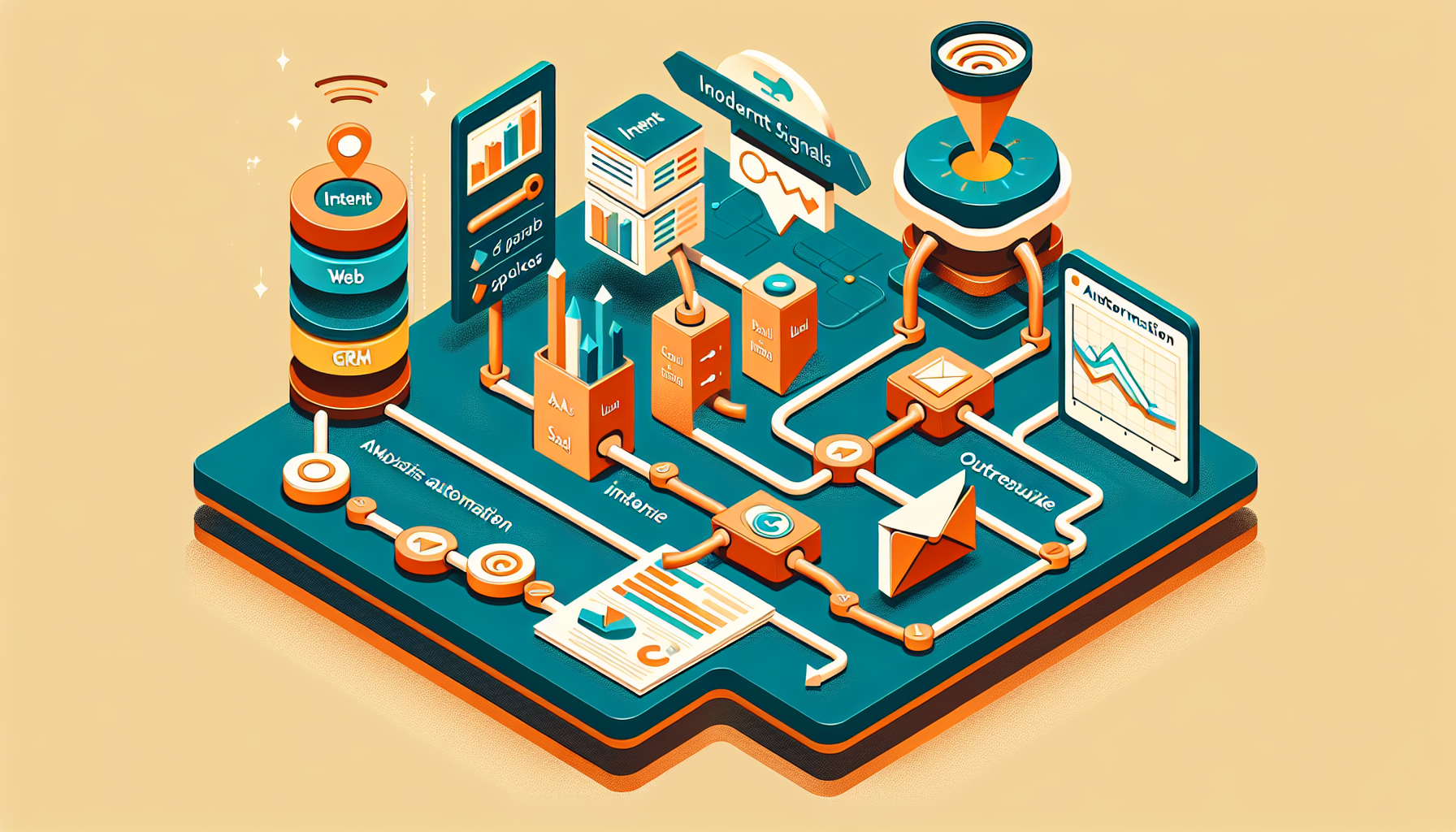
That’s what led to the buildout of Signal Loop, an outreach framework designed to combine contact data, intent signals, and structured messaging into a repeatable mail merge workflow.
Instead of treating outreach like a one-off campaign, the goal was to build a system that could take raw data inputs, organize them intelligently, and produce personalized, ready-to-send outputs for a full follow-up sequence.
The Problem We Wanted to Solve
Most teams already have data. What they usually do not have is a clean process for turning that data into usable outreach.
Lists sit in spreadsheets. Contact exports get stale. Messaging gets rewritten from scratch every time. Follow-up timing is inconsistent. And the entire thing becomes dependent on whoever is willing to manually brute-force the process that week.
Signal Loop was built to fix that.
The focus was simple:
- combine multiple data sources into one usable workflow
- identify what matters most for each company or contact
- tailor messaging around those signals
- generate mail-merge-ready outputs for a full cadence
- make the process repeatable
What We Actually Built
The documented project centered around a 3-month email cadence supported by mail-merge-ready CSV outputs.
The workflow combined:
- contact data
- intent data
- customized messaging
- step-by-step mail merge files
Rather than generating a single email blast, the system was structured to produce a sequence of outreach steps across a longer timeline.
The final output was a set of CSV files formatted for downstream mail merge use:
- MailMerge_Step_1.csv
- MailMerge_Step_2.csv
- ...
- MailMerge_Step_8.csv
That gave us an 8-step cadence spanning roughly three months.
How the Workflow Worked
The process started by combining two main input sets:
- a contacts file
- an intent signals file
From there, the workflow mapped intent to the correct company records and selected the top intent signal per company based on the highest score. That mattered because it gave the messaging a reason to exist beyond “we wanted to send an email.”
Instead of using generic copy, the outreach could reference what appeared to be most relevant to that account at that moment.
Step 1: Match intent to company
The system aligned company-level identifiers across the contacts and intent datasets so intent could be associated with the correct recipient group.
Step 2: Select the strongest signal
Where multiple intent signals existed, the highest-value or strongest-scoring signal was selected as the lead angle.
Step 3: Build the cadence
The sequence followed an 8-step structure across about 98 days:
- Step 1: Day 0
- Step 2: Day 14
- Step 3: Day 28
- Step 4: Day 42
- Step 5: Day 56
- Step 6: Day 70
- Step 7: Day 84
- Step 8: Day 98
That spacing allowed follow-up without hammering people every few days like a lunatic.
Step 4: Generate mail-merge-ready rows
Each output row included the information needed for downstream sending, including:
- contact info
- step number
- subject line
- message body
- intent-related fields
The structure made it possible to plug the data into a mail merge system without having to manually rewrite copy for each contact.
The Messaging Strategy
This wasn’t just a formatting exercise. The messaging itself was designed to adapt based on intent.
The documented rules emphasized:
- a conversational, confident tone
- short paragraphs
- intent-aware language in the subject line and body
- a CTA focused on getting a reply
- emphasis on either second-option pricing or exploring offerings
That mattered because a mail merge only works if the message still feels like it belongs to the recipient.
There’s a huge difference between:
- mass email with variables inserted
- structured outreach that uses data to shape the angle
The second one is where this system aimed to live.
Why Mail Merges Still Matter
Mail merges get dismissed sometimes because people associate them with old-school bulk email. That’s lazy thinking.
A properly built mail merge process is still one of the most efficient ways to scale relevant outreach, especially when it’s fed by clean data and segmented intelligently.
What matters is not the phrase “mail merge.” What matters is whether the system does these things well:
- uses good inputs
- segments properly
- personalizes meaningfully
- respects timing
- keeps outputs consistent
- gives you something operationally usable
If it does that, it becomes infrastructure instead of busywork.
Using the Same Methodology with Existing Customer Lists
This same framework is useful beyond new prospecting. In fact, one of the best use cases is existing customer outreach.
A lot of companies are sitting on customer lists they barely use:
- old customers
- dormant accounts
- previous inquiries
- former buyers
- partial opportunities
- contacts from prior campaigns
That’s wasted leverage.
With the same methodology, an existing customer list can be turned into a structured outreach asset.
1. Clean and normalize the list
Before anything else:
- remove duplicates
- standardize fields
- verify names and company data
- identify missing records
- segment based on recency or customer type
2. Create meaningful segments
Not every existing contact should get the same message.
You might split by:
- recent customers
- inactive customers
- upsell candidates
- re-engagement opportunities
- service line relevance
- geography or vertical
3. Match message to likely need
If you have historical activity, service history, product category, or inferred interest, that becomes the equivalent of an intent signal.
That means you can tailor outreach around:
- what they previously bought
- what they may need next
- what changed since last contact
- whether they’re a reactivation play or an expansion play
4. Generate structured sequences
Instead of blasting a one-off “checking in” email, you can build a sequence the same way:
- Day 0 intro/reconnect
- Day 14 follow-up
- Day 28 value-add
- Day 42 alternate angle
- and so on
That turns an underused customer list into an actual revenue workflow.
Gmail and Other Delivery Options
One of the strengths of this methodology is that it’s not married to a single sending platform.
Once the data is clean and the mail merge outputs are structured properly, delivery can happen through different systems depending on scale and constraints.
Gmail / Google Workspace
Gmail is often the easiest place to start because it works well with:
- Google Sheets
- mail merge tools
- lightweight scripting
- simple review workflows
For smaller or more controlled campaigns, it’s a practical option.
Other services
The same output approach can also work with:
- Outlook / Microsoft 365
- SMTP-based send systems
- CRM-connected email tools
- dedicated outbound platforms
The platform is secondary. The real value is in the process behind it:
- unified data
- segmentation
- intent-driven messaging
- structured cadence
- reusable outputs
If those pieces are solid, the sending layer becomes a deployment choice rather than the entire strategy.
Why This Approach Works
The project wasn’t just about writing better emails. It was about building a repeatable machine for outreach.
By documenting the process and generating step-based outputs, the system made it possible to:
- standardize campaign builds
- reduce manual prep work
- maintain message quality across multiple touches
- adapt messaging to actual signals
- create reusable outreach pipelines
There was also a clear path toward making the process even more scalable.
The documented next-stage idea was a reusable pipeline where new files could be dropped into a fixed inbound folder and automatically turned into:
- mail merge step files
- preview sheets
- a README
- a packaged ZIP output
That’s the kind of improvement that turns a useful workflow into a real operational asset.
Final Thoughts
Signal Loop was built around a pretty simple belief: outreach works better when the process is structured, the data is relevant, and the messaging reflects something real.
By combining contact records, company-level intent signals, and a multi-step mail merge cadence, the system created a way to run personalized outreach without rebuilding the entire workflow every time.
And the same logic extends beyond prospecting. Existing customer lists, re-engagement campaigns, and follow-up motions can all benefit from the same approach.
The tools may vary. Gmail may work for one team, other delivery platforms may work for another. But the underlying methodology stays the same:
- clean the data
- identify the angle
- map the message to the signal
- build the cadence
- generate usable outputs
- repeat without chaos
That’s the difference between sending emails and building an outreach engine.
Next step
Want the setup without the headache?
Remoras helps founders and operators get AI workflows running fast without wasting weekends on setup, integrations, and trial-and-error.